

Invoice settings
Numbering, VAT and payment term — what you set here applies to invoices you create afterwards, never retroactively.
Under Invoicing → Invoice settings you decide what your invoice numbers look like, and which VAT rate and payment term a new invoice starts with. You set this once and rarely come back to it.
The question behind almost every setting on this page: does this change invoices that already exist? Almost never — and where it does matter, it is spelled out below.
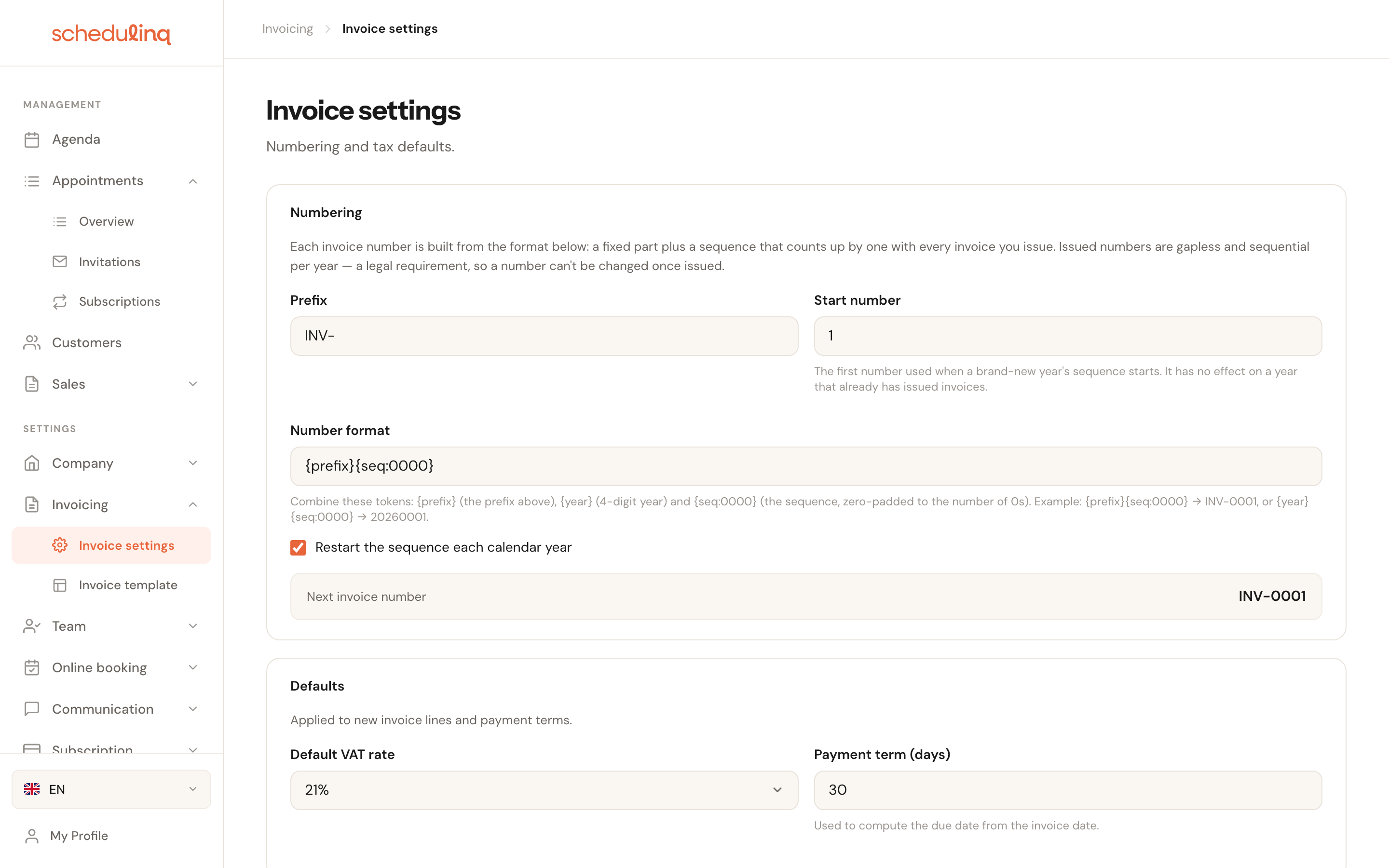
Numbering
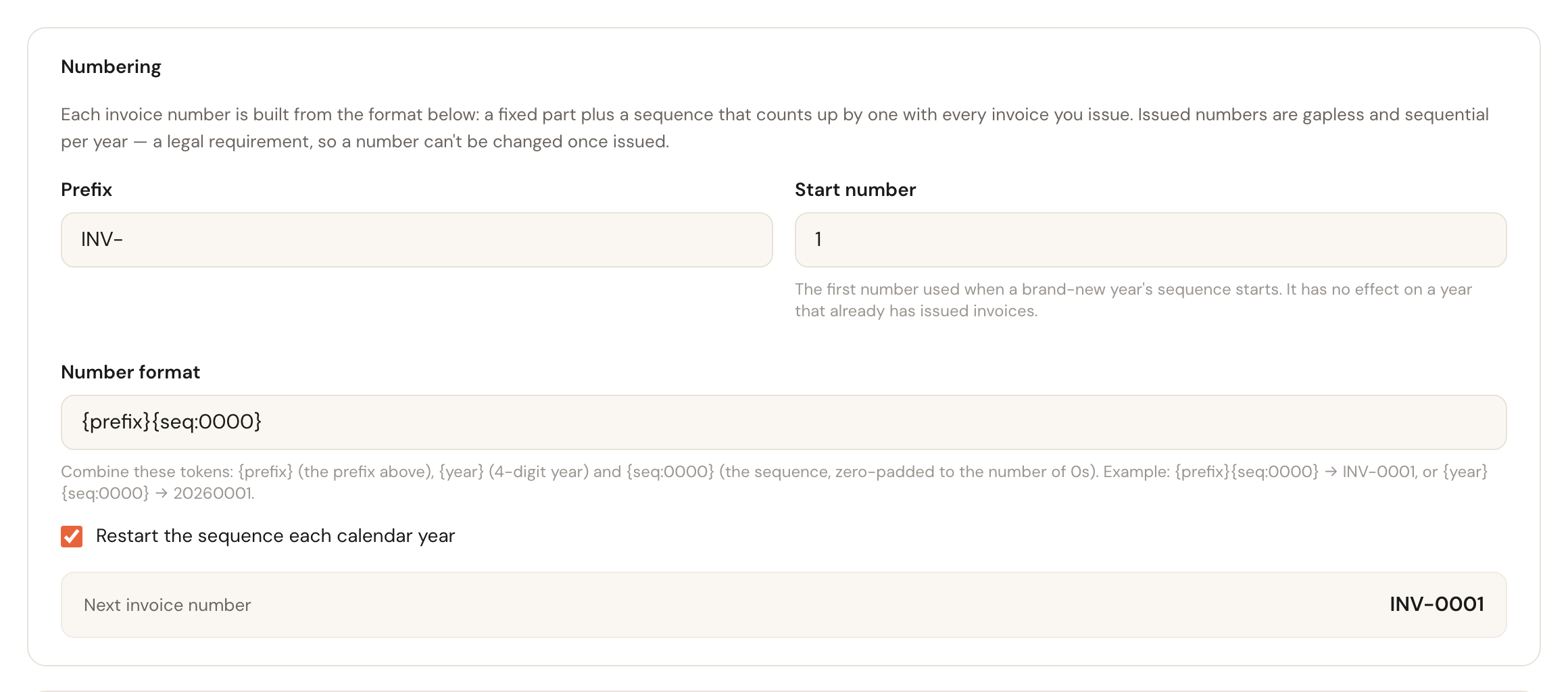
An invoice number is built from two things: a fixed part you choose, and a sequence that counts up by one with every invoice you issue.
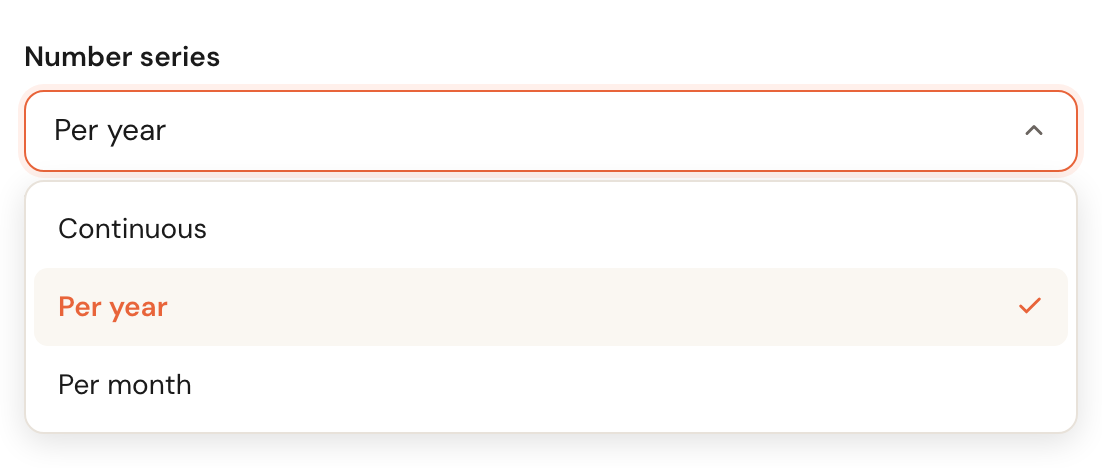
Number series
Decides when the sequence starts again at 1:
| Series | Starts again | Example |
|---|---|---|
| Continuous | Never | INV-0143 |
| Per year | Every calendar year | INV-2026-0001 |
| Per month | Every month | 202608001 — the first invoice of August 2026 |
Most businesses number per year. Per month suits a business that wants to see at a glance which month an invoice belongs to. You can switch later: each series carries on where it stopped, and no number is ever used twice. Switch from per year to per month in August and back in September, and the yearly series simply continues with the next number of the year.
Prefix
OptionalThe fixed part before the number, for example INV- or 2026-. Leave it empty and
the number is just the sequence.
Useful when invoices from several sources land in one set of books: the prefix tells you at a glance which came from Schedulinq. Keep it short — it appears on every invoice and in every payment reference.
Start number
Minimum 1Current series onlyThe first number of the series that is running now, as long as no invoice has been issued in it yet. The next series — a new year, a new month — starts at 1 again.
It is meant for moving over from another system: if your old package got to invoice 499 this year, set 500 and the series carries on from there. Set it halfway through the year while you are on invoice 12 and nothing happens: the sequence simply carries on to 13 — it is not allowed gaps or jumps.
Number format
Decides how the number is assembled. You combine fixed text with tokens:
| Token | Means | Example |
|---|---|---|
{prefix} | The prefix above | INV- |
{year} | The year, 4 digits | 2026 |
{month} | The month, 2 digits | 08 |
{seq:0000} | The sequence, zero-padded to the number of 0s | 0001 |
So {prefix}{year}-{seq:0000} produces a number like INV-2026-0001, and
{year}{month}{seq:000} produces one like 202608001.
The format has to fit the series: per year it contains {year}, per month {year}
and {month} — otherwise every year or month would start at the same number again.
So when you choose a series, Schedulinq completes the format with what that series
needs: the year before the sequence, and for Per month the month straight after the
year, with the same separator — {prefix}{year}-{seq:0000} becomes
{prefix}{year}-{month}-{seq:0000}. Nothing is ever taken out. Under the field it then
says Completed for this number series — feel free to change it. Type a format that
does not fit the series yourself and the page says so under the field, and you can only
save once it does.
The number of zeros sets the minimum width, not a maximum. With {seq:0000} the
sequence rolls neatly from 0999 to 1000 — you can never run out. Four zeros is
plenty for most businesses and reads well on a bank statement.

Next invoice number
At the bottom of the block you can see what the next number will look like.

What changes on existing invoices?
Short answer: nothing. Everything on this page works forwards.
| Setting | Applies to |
|---|---|
| Number series, prefix, number format | Invoices you issue afterwards |
| Start number | Only the first number of the series running now |
| Default VAT rate | New invoice lines |
| Payment term | The due date of new invoices |
An issued invoice keeps its own number, VAT and due date. You can change these settings freely without touching last year's books.
Defaults
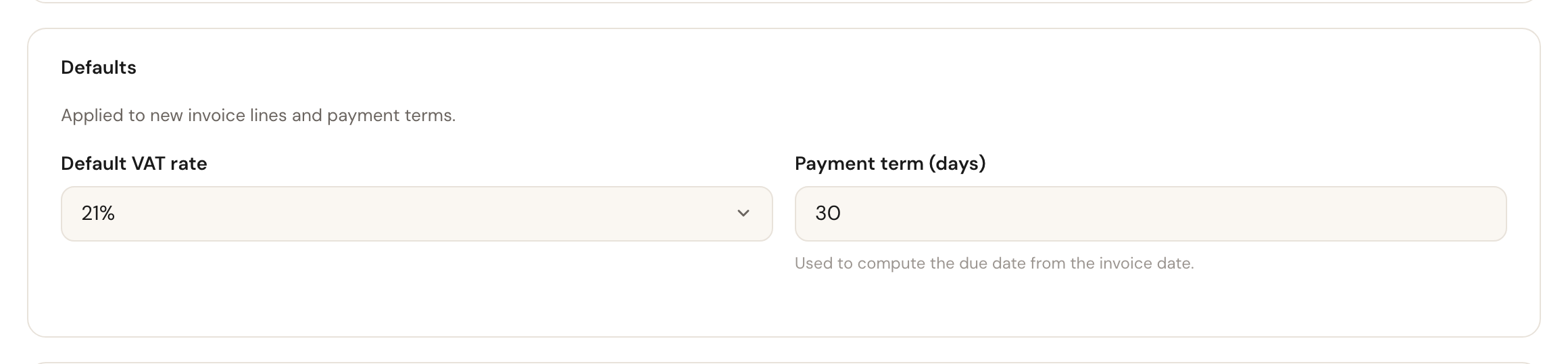
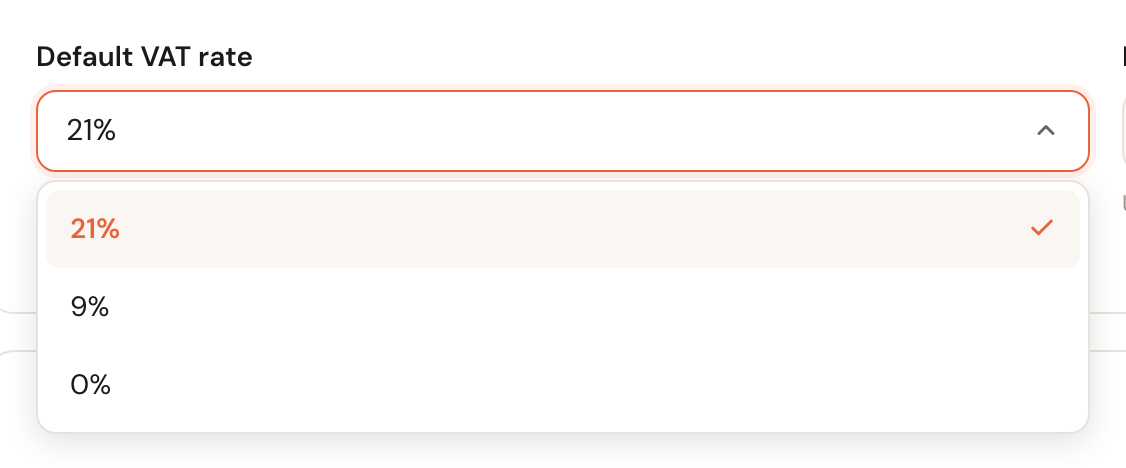
Default VAT rate
The rate a new invoice line starts with. You choose from 21%, 9% and 0%.
It is a starting value, not a lock: you can still pick a different rate per line. Set it to the rate you use most often and most invoices need no adjusting.
Payment term (days)
0 to 365The number of days added to the invoice date to work out the due date. At 30 days, an invoice dated 1 March falls due on 31 March.
The due date is what payment reminders hang off. Set 0 and the invoice is payable immediately, so a reminder can leave right after you send it — rarely what you want.
Reminders and invoice emails

Reminders are not a separate setting: they are communication steps in the invoice flow, just like your appointment confirmations. The button on this page takes you straight there.
That is where you decide how many reminders go out, how many days after the due date, through which channel and with what wording. See How communication works and Edit a step.
Saving
Changes only take effect when you click Save. Cancel reloads the saved settings and discards your edits.

Frequently asked questions
I want to continue with a higher number this year. Only while no invoice has been issued in the current series yet. After that the sequence runs on without gaps. If you really need a jump, talk to your accountant first — a gap in the numbering is exactly what the legal requirement exists to prevent.
Can I switch between continuous, per year and per month? Yes, whenever you like. Each series carries on where it stopped, and a number that is already on an invoice is never used again.
I changed the prefix. Do old invoices get it too? No. Every issued invoice keeps the number it was issued with. Only invoices you issue afterwards get the new prefix.
Where do I put my IBAN or company registration number? Not here. Those belong to your company details, under Company → Details. This page is only about numbering and defaults.
Where is the text at the bottom of my invoice? On Invoicing → Invoice template, together with the colour and the fonts.