

Company details
Your company name, booking URL, address and invoicing details — and where each field ends up.
This is the screen where your company is described. Almost everything you enter here reaches your customer somewhere: on your booking page, in the e-mails they receive, or on their invoice. It is the first screen you set up, and one of the few you rarely need to touch again.
You will find it under Settings → Company → Details. The first time, you fill in the same form on the welcome screen, right after signing up (see Create your account); this is where you change it afterwards.
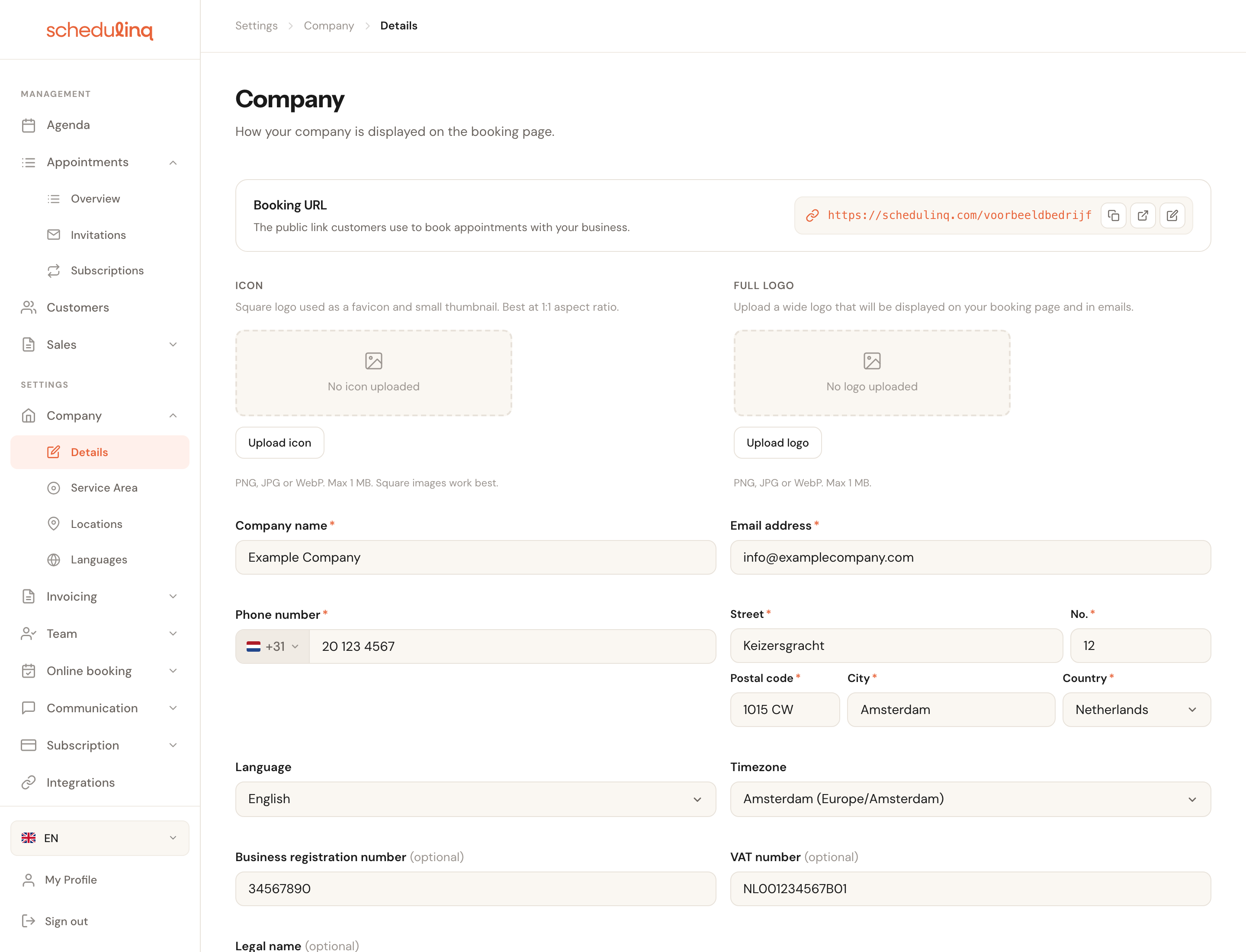
One long page. The booking URL at the top, then your logos, your details, and the danger zone right at the bottom.
In short
- Go to Settings → Company → Details.
- Check your booking URL — that is the link your customers use.
- Fill in company name, e-mail address, phone number and address. Those four are required.
- Set your language and timezone correctly. Your whole calendar depends on them.
- Fill in your invoicing details if you invoice through Schedulinq.
- Click Save.
The booking URL

This is the address of your public booking page. Everything your customer sees hangs off it: the link in your e-mail signature, the button on your website, the QR code on your van.
The three small buttons on the right let you copy the link, open it as a customer sees it, and change the last part.

Booking URL
RequiredChangeable once every 30 daysLetters, digits and hyphens only. Schedulinq checks whether the name is still free as you type.
Pick something short and recognisable: you will be reading this out over the phone. Your company name almost always works better than an abbreviation only you understand.
Your logo
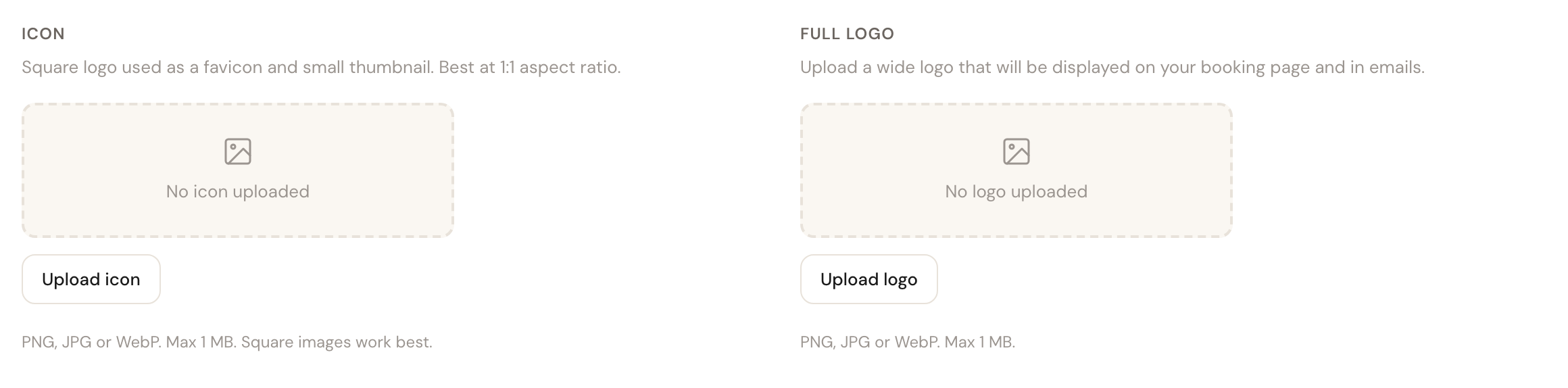
Two images, with different jobs. If Schedulinq refuses a file — not a photo, too large, or damaged — the reason appears under the upload area.
Icon
SquarePNG, JPG, WebP or HEIC · max 12 MBThe square logo. Used as the favicon in the browser tab and as a small thumbnail.
Works best at a 1:1 ratio. A wide logo uploaded here becomes illegibly small the moment it is shown as a favicon.
Full logo
WidePNG, JPG, WebP or HEIC · max 12 MBThe wide logo that appears at the top of your booking page and in your e-mails.
This is the logo your customer actually sees. How large it is displayed is not set here but per surface — the e-mail branding and the invoice template each have their own height setting, because the same image needs different room in an e-mail than on an invoice.
Name, contact and address
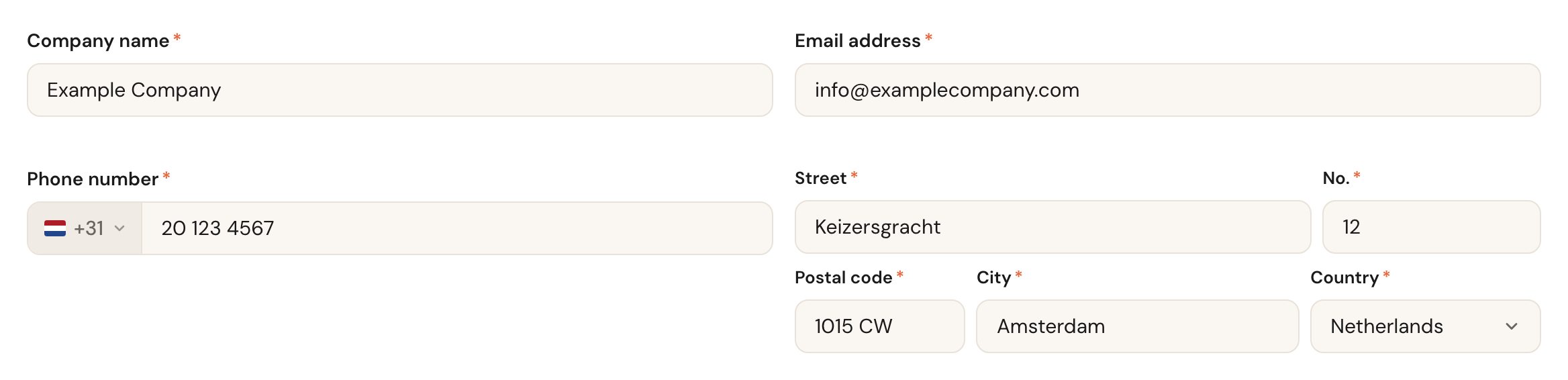
These four are required. You cannot save without them.
Company name
RequiredThe name you are known by. Appears at the top of your booking page and in your e-mails.
This is a public name, not an administrative one. If your company is officially called something else — with a Ltd. after it, say — put that under Legal name further down, and keep this one to the name your customer recognises.
E-mail address
RequiredThe address customers can reach you at, with no spaces, quotes or other special characters before the @.
This is the address your customer sees and replies to. Choose a mailbox more than
one person reads — an info@ address is safer than that of a single colleague who
might be on holiday.
Phone number
RequiredWith a country code, which you pick on the left of the field. The number itself takes
digits, spaces and + - ( ) . /; with a letter in it the field says Invalid phone
number and you cannot save.
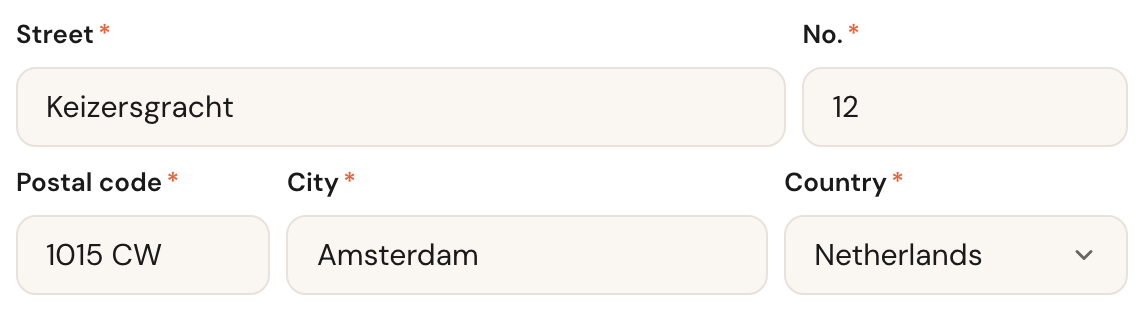
Address
RequiredStreet, number, postcode, town and country — entered separately. Addresses are suggested as you type.
This is your registered address, not necessarily where you work. For services you perform at a location, Locations decides where customers can come; for services at the customer's home, Schedulinq calculates travel time from your service area.
Language and timezone

Language
Your company's default language.
This language decides which language an appointment type or category is required to have a name in, and which language a customer gets when their own is missing. Which languages customers can choose on your booking page is set separately, under Company → Languages.
Timezone
Drives your whole calendarThe timezone you work in, grouped by continent.
Everything involving time is calculated with it: your schedules, the slots a customer is offered, the times in confirmations and reminders. Set it wrong and your entire calendar shifts — and you find out when a customer turns up at the wrong moment.
Numbers for your administration
Company registration number
OptionalYour Chamber of Commerce number, or the equivalent in your country.
VAT number
OptionalYour VAT identification number.
Appears on your invoices. If you invoice business customers, their accountants expect this number on every invoice they receive from you.
Invoicing details
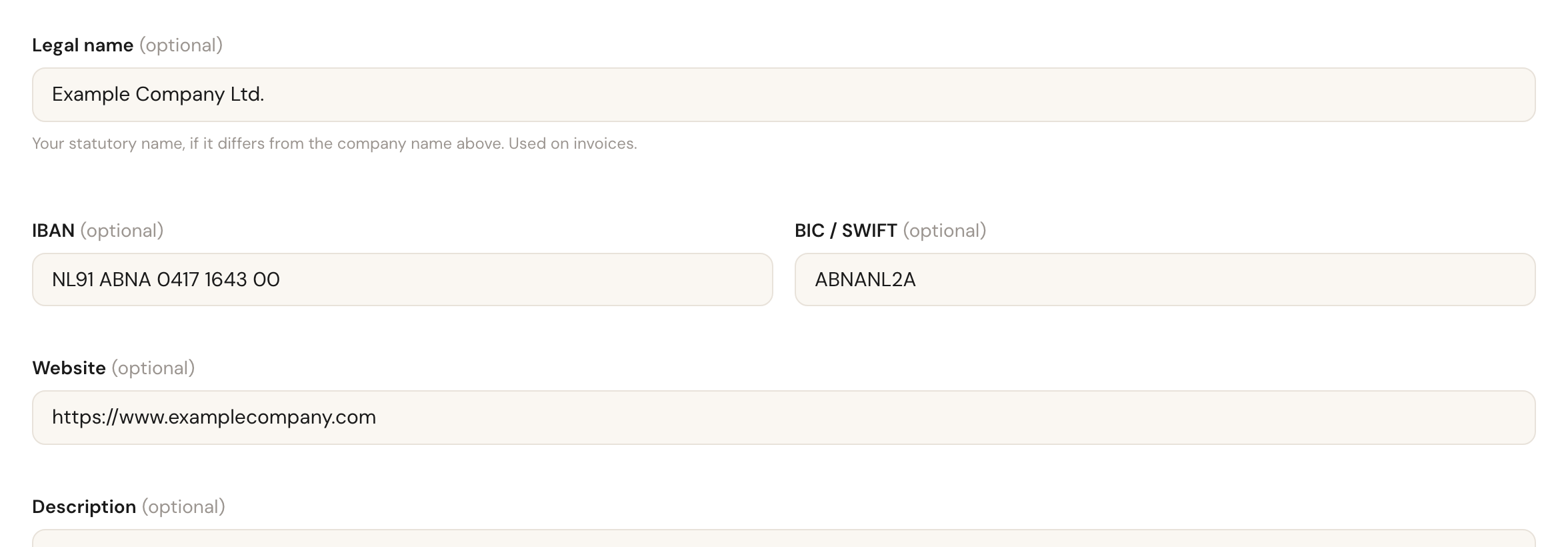
These four are only needed if you invoice through Schedulinq.
Legal name
OptionalYour statutory name, if it differs from your company name.
Leave it empty and the invoice uses your ordinary company name. Only fill it in when the two genuinely differ — Example Company to the outside world and Example Company Ltd. on paper.
IBAN
OptionalThe account number customers pay into. Appears on the invoice.
Schedulinq checks the IBAN lightly and warns you if it does not look like a valid number — but saves it either way. So the warning does not block you, and it is worth reading: a typo in your IBAN costs you a payment.
BIC / SWIFT
OptionalNeeded for payments from abroad.
Website
OptionalYour own website.
Description and referral link
Two more things sit at the bottom. The description is a short text about your company. The referral link belongs to your organisation: when another business signs up through it, you receive € 10 a month for every user that business pays for, for as long as it stays subscribed. Under the link you see how many organisations signed up through you and how many users they are paying for right now.

How a sign-up is tied to you, what exactly counts and how you are paid is in The referral programme.
Danger zone

Right at the bottom you can have your organisation deleted. Only admins see this section: a colleague whose role lets them open this page does not get it.
While the deletion is scheduled, your booking page no longer takes bookings, and a bar at the top of every screen gives the date your organisation will be deleted.
If you change your mind within those 30 days, a button appears to cancel the deletion — in that bar too, as Cancel deletion. Note that if your subscription lapsed in the meantime, you will have to take out a new one before you can continue.
Frequently asked questions
I want to change my booking URL but the button does nothing. You are inside the 30-day waiting period. The screen names the date it becomes possible again.
Does my booking page change as soon as I save? Yes. There is no separate publish step — whatever you save here is immediately visible to customers.
Where do I set how large my logo is displayed? Not here. Logo height lives with the surfaces that show it: Communication → Branding for e-mails and Invoicing → Invoice template for invoices.
My language is not in the list. The dropdown currently offers Dutch, English, German, French, Spanish and Italian.